Hotel Marketing
Hotel Social Media Mistakes: 7 Checks Before You Post in Thailand (2026 Update)
Avoid hotel social media mistakes in Thailand: wrong prices, alcohol ads, guest privacy (PDPA), music rights and slow replies. A checklist for owners.
In this article
What changed in 2025–2026: stricter rules on alcohol and personal data
Two developments make hotel posting riskier in Thailand: a new alcohol control law and tougher enforcement of the PDPA. The Alcoholic Beverage Control Act (No. 2) B.E. 2568 was published on 9 September 2025 and took effect on 8 November 2025. Law firm Tilleke & Gibbins notes that sellers who breach advertising and promotion rules may face fines of up to THB 500,000, while The Nation reported that some secondary regulations were still missing when the law came into force.
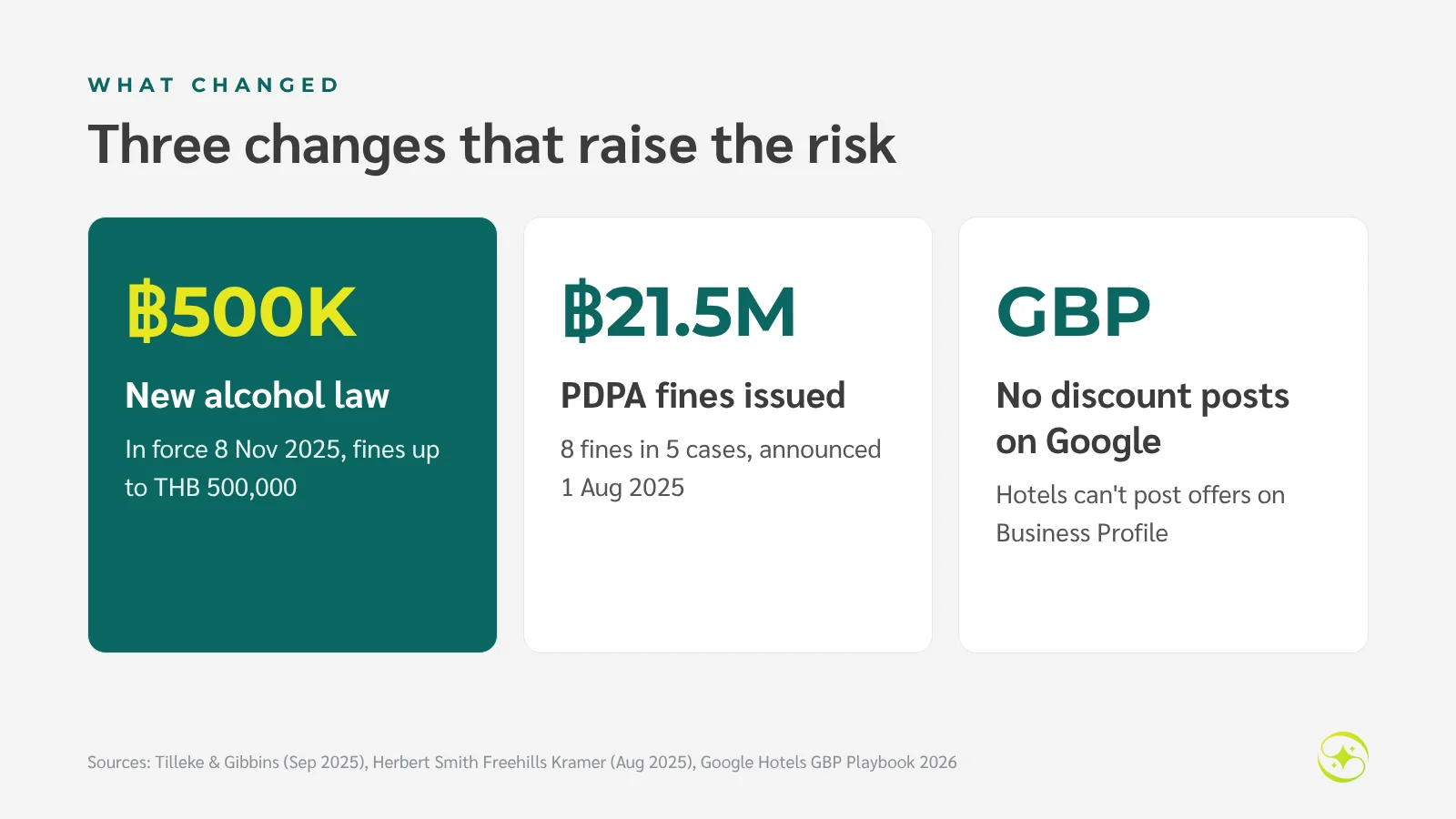
On personal data, Thailand's Personal Data Protection Committee (PDPC) announced on 1 August 2025 eight administrative fines across five cases, totalling about THB 21.5 million, according to Herbert Smith Freehills Kramer. One case involved an outside processor running a company's reservation system. And Google's 2026 Business Profile playbook for hotels states that hotels cannot create offer posts, or posts mentioning deals, promotions or discounts.
What this means for hotels: posts that used to be routine — a discounted cocktail hour, a guest photo reposted without asking — now carry real risk. Your team needs a checklist and a named approver. This article is general information, not legal advice; ask a legal adviser when in doubt.
Seven checks to avoid hotel social media mistakes
The seven checks fall into two groups. The first four cover what is in the post. The last three cover the people and systems that must be ready before it goes out.
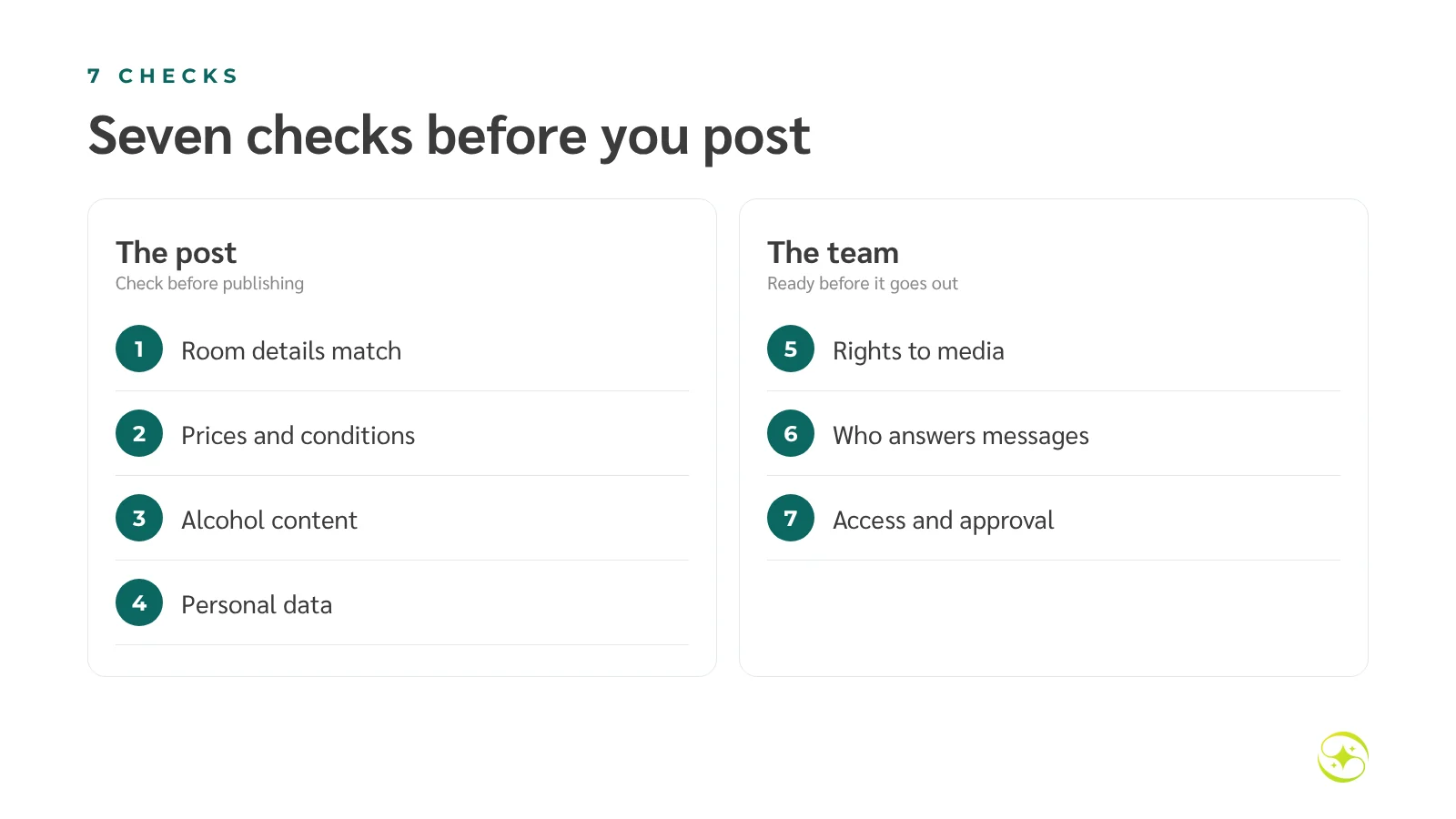
1. Do room details match reality?
Photos and captions must match what guests will actually get. If you show a pool villa but the offer is for a deluxe room, say so clearly. Disappointment with misleading photos is one of the most common sources of negative reviews.
- Name the room type shown in the photo
- Avoid ultra-wide shots that exaggerate size, or views only some rooms have
- Mention conditions, such as a pool closed for repairs or breakfast at extra cost
Do this: ask front office or housekeeping to look at photos before posting — they spot what doesn't match straight away.
2. Are prices and conditions complete and bookable?
Any price in a post must be bookable on your website for the dates and room type shown. If a guest clicks through and sees a different price, trust disappears and they may book on an OTA instead.
Example: a good post says "Deluxe room THB 2,900/night with breakfast for two, stays 1–20 December 2026, book by 30 November, non-refundable" — not just "From THB 2,900!"
Watch out: under Google's guidelines, hotels can't post discounts or promotions on their Business Profile. Use the profile for updates and events, and promote offers on your website and social channels.
Do this: have whoever manages rates check every post with a price, and test the booking link before publishing.
3. Does the alcohol content comply with Thai law?
If your hotel has a bar, rooftop or packages with drinks, take extra care. Thailand has long restricted alcohol advertising and promotion, and the 2025 amendment raised the penalties.
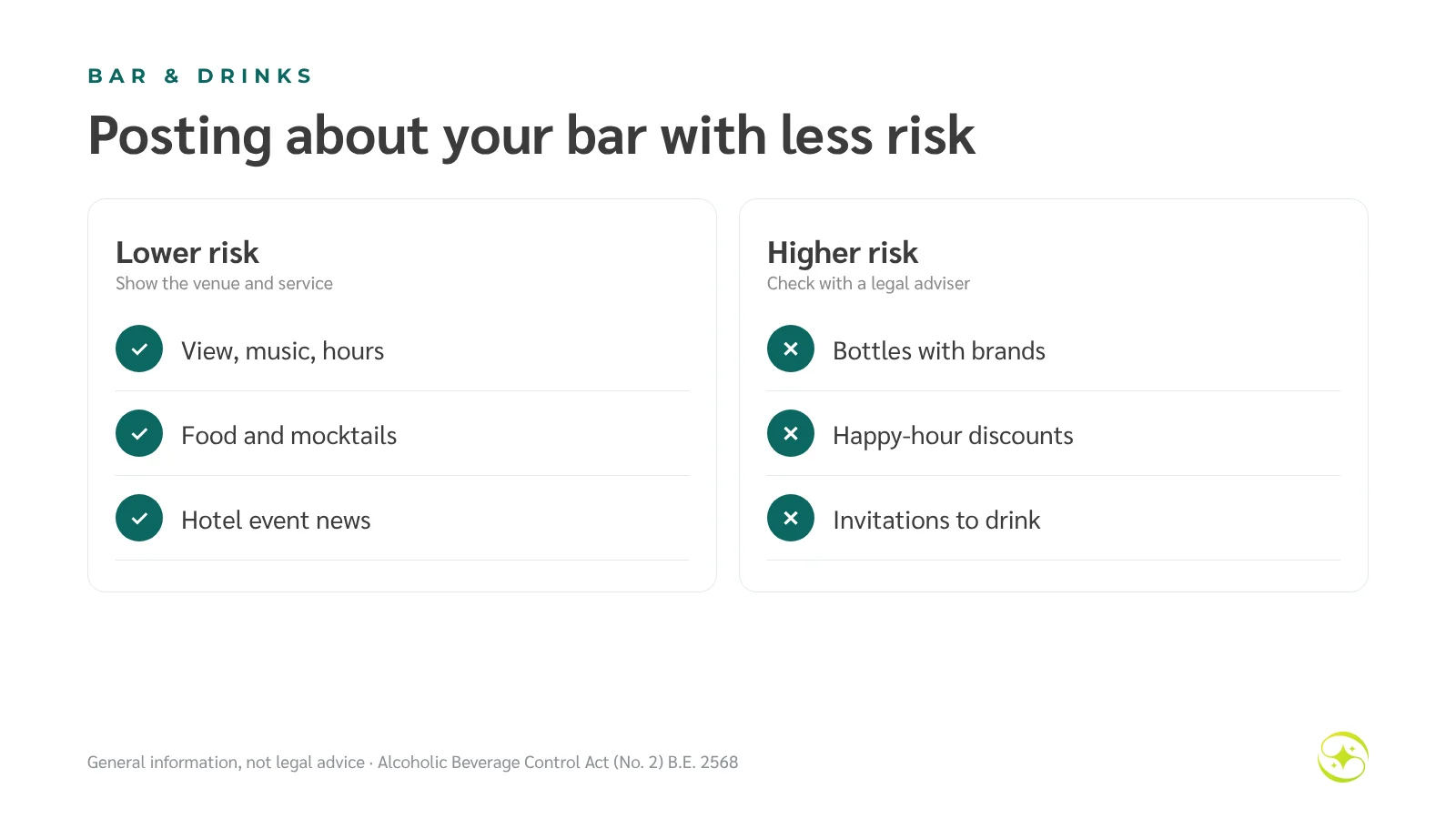
| Lower-risk approach | Higher-risk approach |
|---|---|
| Venue atmosphere, view, music, opening hours | Bottles or glasses with visible brands |
| Food menu and mocktails | Happy-hour discounts, buy-one-get-one |
| News about hotel events | Invitations to drink, or people drinking |
Watch out: some secondary regulations are still being issued, so interpretation may change. Hotels with significant F&B revenue should have a legal adviser review their posting guidelines for the year.
4. Does the post expose personal data?
Faces, names, room numbers, stay dates and images of children are personal data under the PDPA. Before posting any image with guests in it, get clear consent and use it only as agreed.
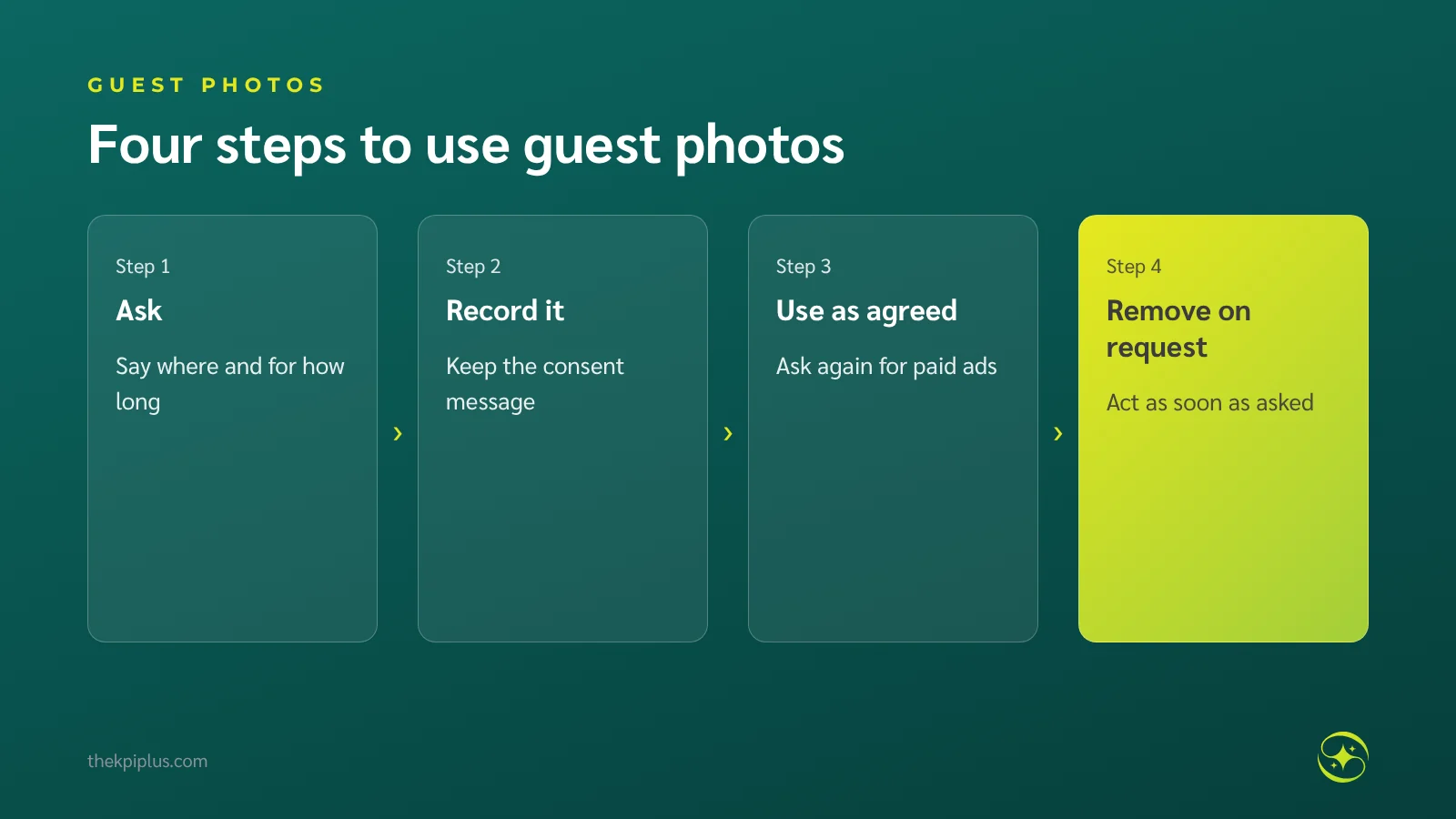
- Don't post screenshots of guest chats or emails, even compliments, without permission
- Check backgrounds for registration cards, PMS screens or licence plates
- Staff photos need consent too, especially in advertising
5. Do you have the rights to photos, video, music and reviews?
Images from the internet, a photographer's work and the music in your reels all have owners. Business accounts should use the platform's commercial music library or licensed tracks. For photography, check your contract for advertising use and duration. When you quote a review in a graphic, copy it exactly and name the source.
6. Is someone ready to answer and confirm bookings?
A good post brings messages straight away. If nobody replies within a few hours, guests book elsewhere. Before posting, decide who answers comments and chats and when — and always check prices from the system before quoting.
Numbers to watch: time to first reply · chats with clear stay dates · bookings that came from chats after a post
7. Who approves posts and who can access the accounts?
Social accounts should belong to the hotel, not to one employee or agency. Use the platform's business tools, such as Meta Business Suite, to separate admin roles, and remove access as soon as someone leaves.
Do this: list everyone with access to each account, turn on two-step verification, and review the list every quarter.
One-minute checklist before you post
| Question | Yes / No |
|---|---|
| Photos match the room or service actually sold | ☐ |
| Price, dates and conditions match the booking engine; link works | ☐ |
| No bottles, drink prices or invitations to drink | ☐ |
| Guests and staff pictured have consented; no personal data in the background | ☐ |
| Rights cleared for photos, music and review quotes | ☐ |
| Someone will answer messages in the first 24 hours | ☐ |
| Checked by someone other than the writer | ☐ |
What if a wrong post has already gone out?
Don't delete it quietly and move on. Follow four steps.
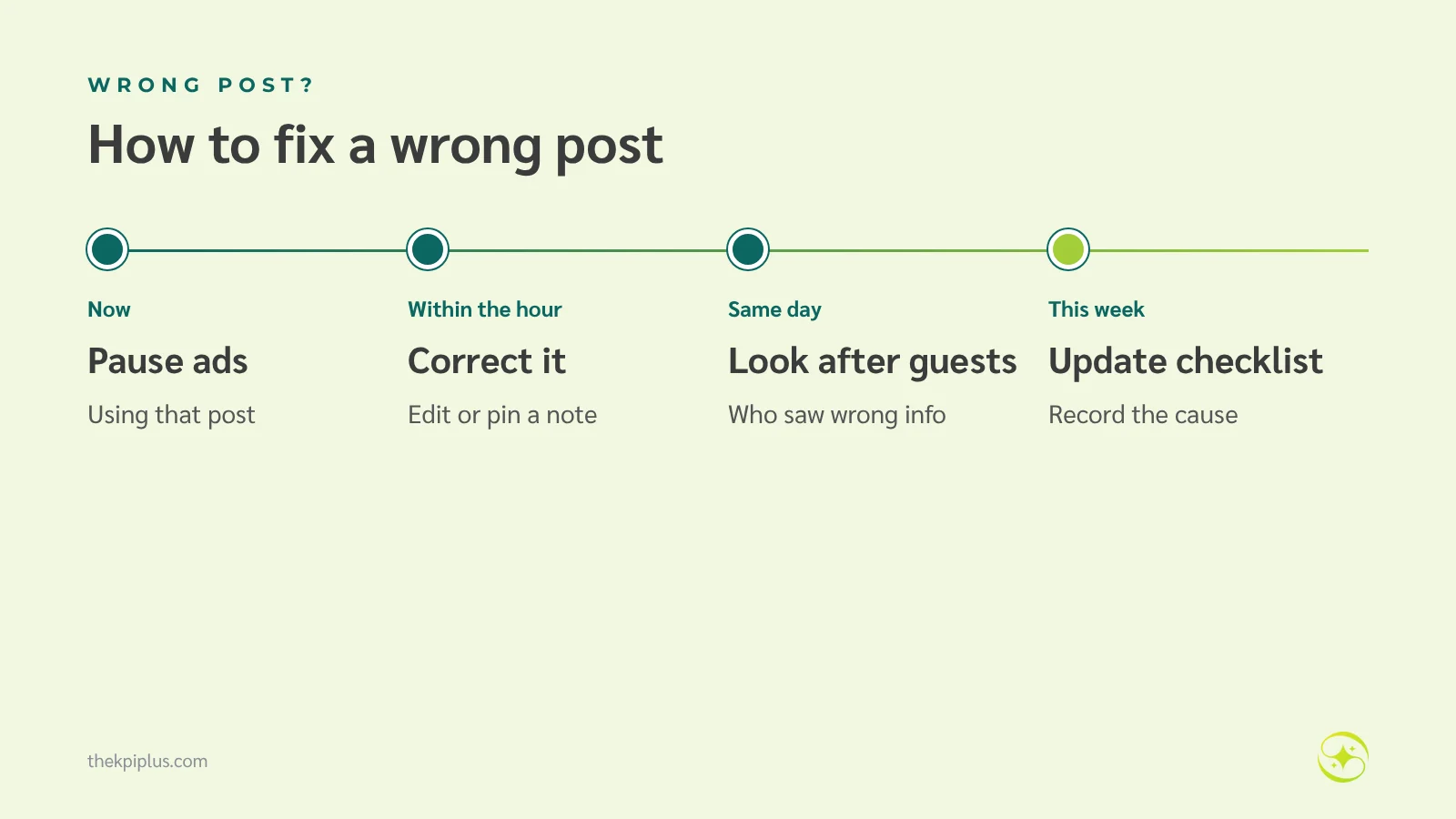
1. Pause any ads using the post
2. Edit the post or pin a comment explaining what was wrong and what is correct
3. Contact guests who booked or messaged based on the wrong information and offer a fair solution
4. Record the cause and add it to your checklist
If the post exposed personal data, remove it immediately, inform the people affected, and ask your PDPA lead whether the incident must be reported.
Planning example: a 30-room resort's New Year package
Imagine a 30-room resort in Krabi preparing a "Countdown 2027" package post. The first draft shows last year's guests toasting with champagne, says "from THB 4,500", and uses a hit song from a staff member's personal account.
After the checklist, the team switches to a fireworks photo with no guests, writes the full price — "THB 4,500/night, Garden View room, dinner for two, 31 December only" — confirms the booking link shows the same price, uses music from a commercial library, and assigns two reservation staff to cover messages for the first three days. This is a planning example, not a result from any client.
Frequently asked questions
A guest tagged our hotel in their photo. Can we repost it?
Ask first, every time. Even when guests tag you, the photo belongs to them and may contain personal data such as children's faces or other people. Ask by reply, say where you'll use it, and keep a record of their permission. Ask again separately before using it in paid advertising.
We posted a promotion and the rooms sold out. Should we delete the post?
Don't delete it quietly. Edit the post or pin a comment saying the offer sold out on a given date, and point to what is still available, such as other dates or room types. People who saw the post may already be messaging you; a clear update prevents repeat questions and the feeling of being misled.
Can a hotel in Thailand promote its bar or cocktails on social media?
Be very careful. Thailand's Alcoholic Beverage Control Act (No. 2) B.E. 2568 took effect on 8 November 2025 and raised fines for advertising and promotion breaches to up to THB 500,000. Check with a legal adviser before posting drinks, prices or discounts, and focus on the venue, view and food instead.
Can we use popular music in our hotel's reels?
Business accounts should use music from the platform's commercially licensed library, or tracks the hotel has licensed. Songs available to personal accounts may not be cleared for business use. Using them can get a video muted, removed or blocked from advertising. Keep proof of your licence.
Who should approve the hotel's social media posts?
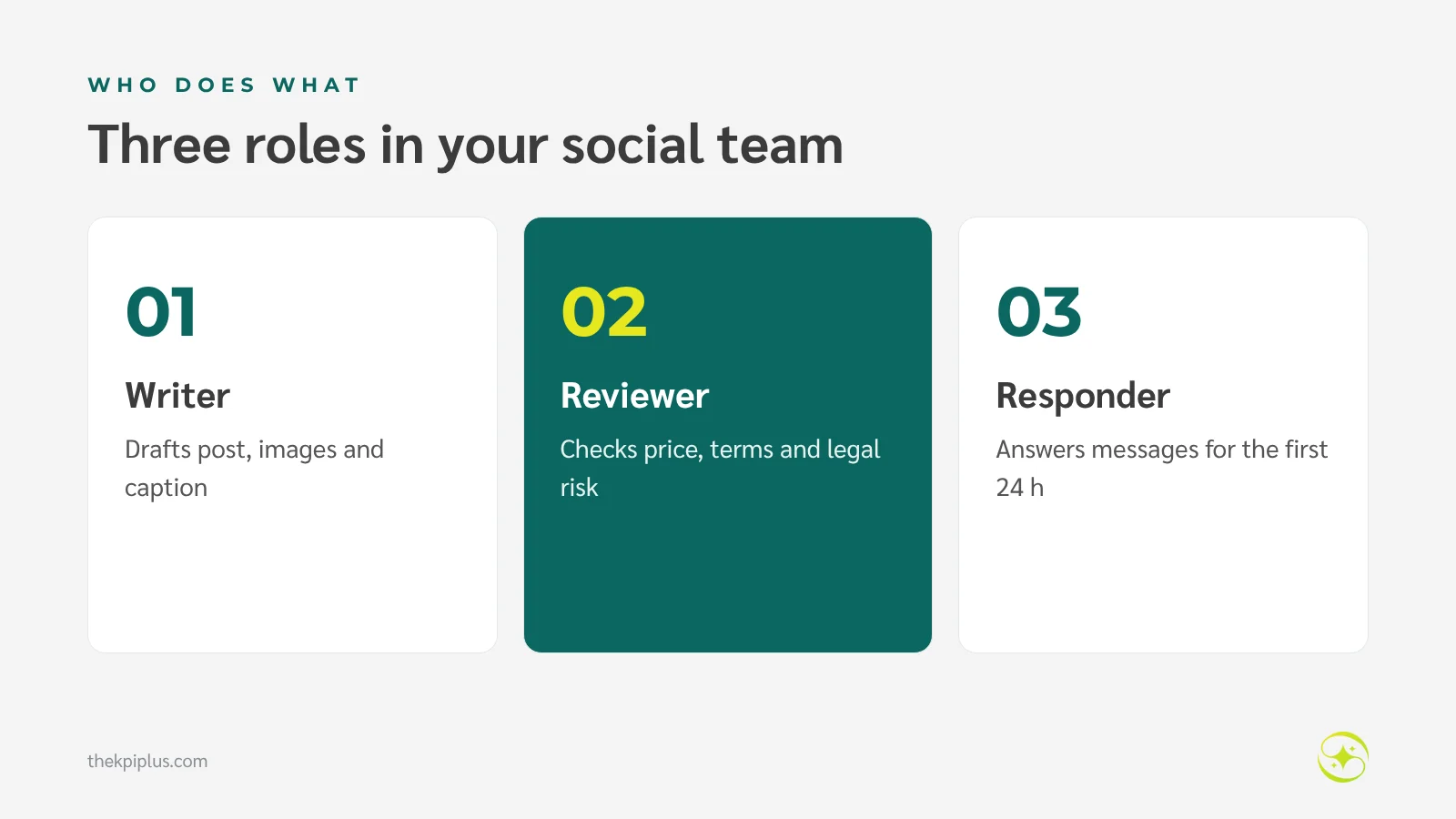
Separate the writer from the reviewer. Anyone who knows the real rates and conditions — sales or revenue — should check posts with prices and offers, and the marketing lead or GM can check the rest. Decide who will answer comments and messages before the post goes live.
Summary
Avoiding hotel social media mistakes comes down to seven checks before you post: room details, prices and conditions, alcohol content, personal data, rights to images and music, who answers afterwards, and account access. With Thailand's new alcohol law and stronger PDPA enforcement, a one-minute checklist costs far less than fixing a problem later.
To set up posting and advertising with clear approvals, see Meta Ads management for hotels or our hotel digital marketing overview. If you'd like to know where your social media should improve first, request a Hotel Performance Audit.
Related reading: Hotel Social Media: Which Channels to Use and Hotel Review Management.