SEO / Local Search
How to Increase Hotel Bookings from Google: SEO, Google Maps and Google Ads Working Together (2026 Update)
Increase hotel bookings from Google: fix booking leaks first, then combine SEO, Google Maps, free booking links and Google Ads, and measure real bookings.
In this article
What changed in 2026: the path to booking on Google is more complex
Guests don't search Google once and book. SiteMinder's Changing Traveller Report 2026 found OTAs have overtaken search engines as the top starting point for hotel searches (26% vs 21%), yet around 18% of those who start on an OTA end up booking direct — often after searching the hotel's name on Google.
Since 27 August 2026, Google has let users in the United States search for and book hotels in AI Mode, with OTAs and major hotel chains among its first partners. And Google's 2026 Business Profile playbook for hotels says hotels can't post offers or discounts on their profile, so rates have to appear through booking links and your website.
What this means for hotels: Google is where guests check and compare before booking. Hotels with consistent rates everywhere, a direct booking link on Google and an easy-to-use website win more direct bookings from these guests.
How many ways can you increase hotel bookings from Google?
Google offers four routes to direct bookings. Each takes different time and cost, and they work best together.
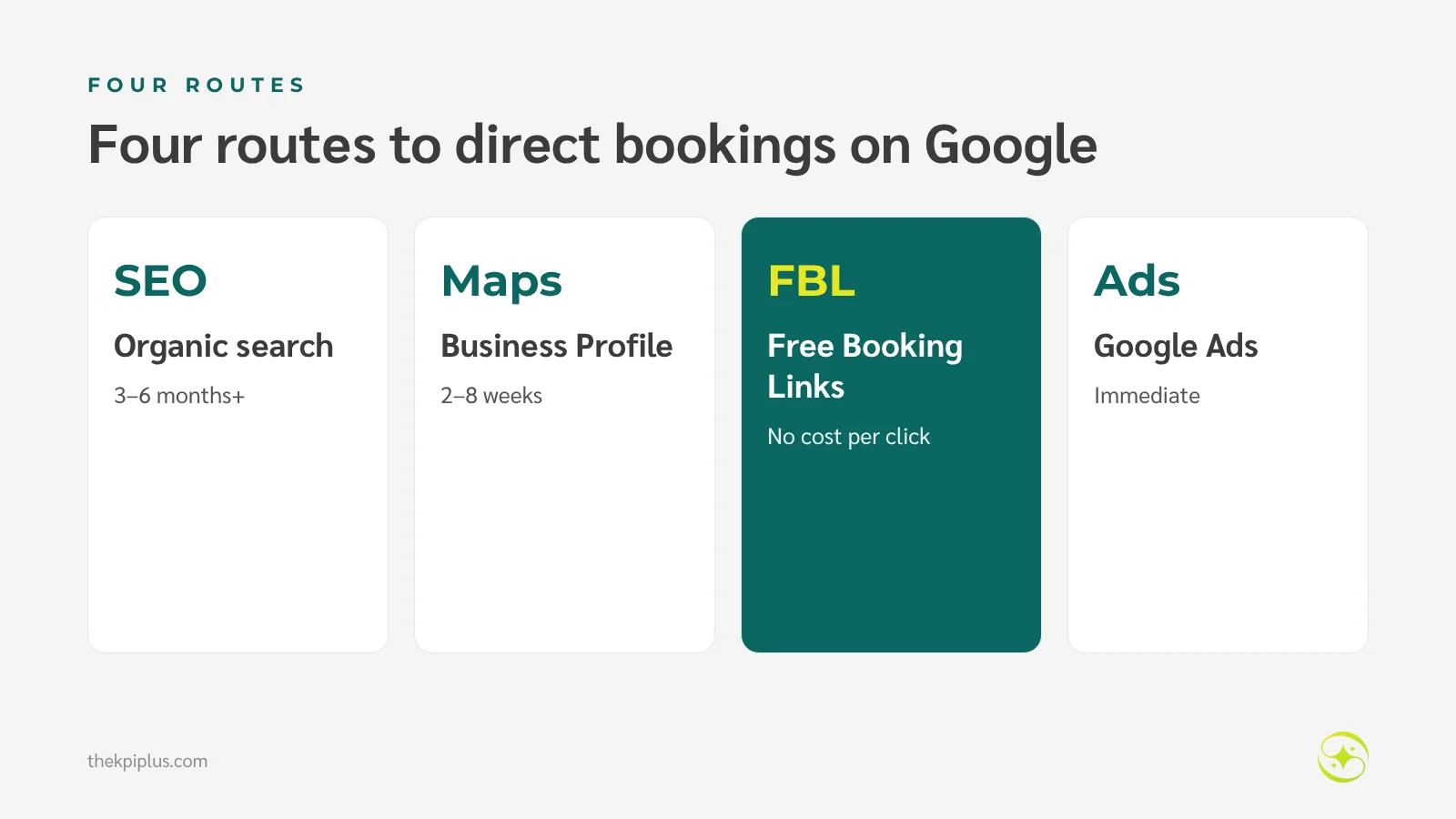
| Route | Time to impact | Cost | Best for |
|---|---|---|---|
| SEO (organic search) | 3–6 months+ | Time and content | Specific and long-term searches |
| Google Maps / Business Profile | 2–8 weeks | Time | Local searches |
| Free booking links | 1–4 weeks after connecting | No cost per click | Guests comparing prices |
| Google Ads | Immediate | Cost per click | Need periods and brand searches |
1. Fix the leaks before sending more traffic
If guests arrive and don't book, more traffic just means more cost. Before SEO or bigger ad budgets, try booking a room on your own phone and note where it gets difficult.
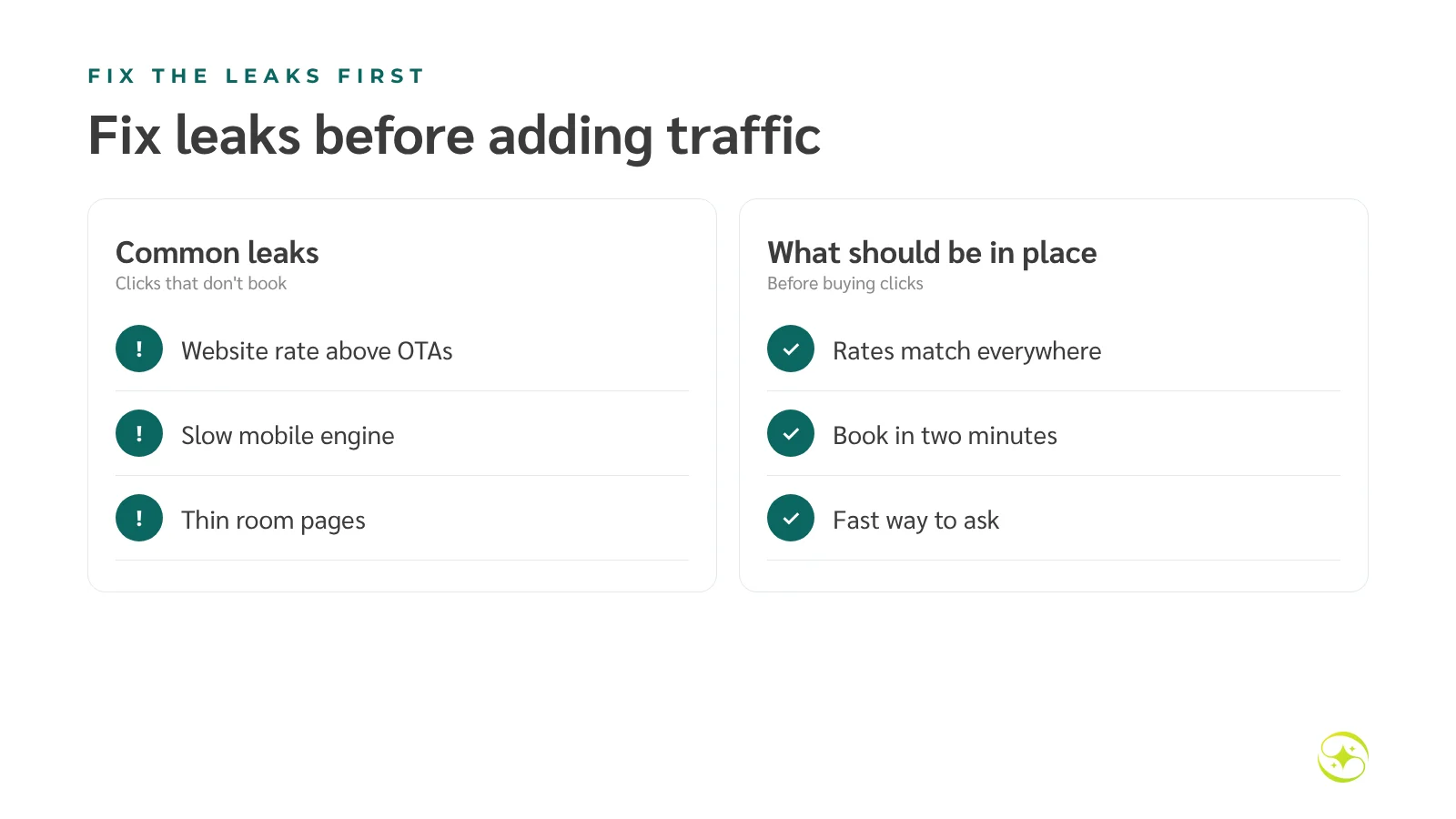
- Your website's booking-engine rate shouldn't be higher than OTAs for the same room and terms
- The booking engine must load fast and be easy to complete on mobile
- Room pages must show at least as much information as your OTA listings
- Offer a quick way to ask, such as LINE or WhatsApp
Watch out: don't buy more clicks while guests still can't reach your booking engine, or while the price in the ad doesn't match the booking engine.
2. Focus SEO on the pages closest to booking
SEO for bookings doesn't start with blog posts; it starts with your homepage, room pages and location page, which answer high-intent searches such as your name, your area and room types. Give each page a clear title, complete information and an easy rates button.
Measure: Search Console clicks for brand vs non-brand searches, and bookings from organic search.
3. Use your Business Profile and free booking links
When guests search your name or look at you on Google Maps, they see a hotel panel with prices from several channels. Free booking links put your direct rate next to the OTAs, with no cost per click.
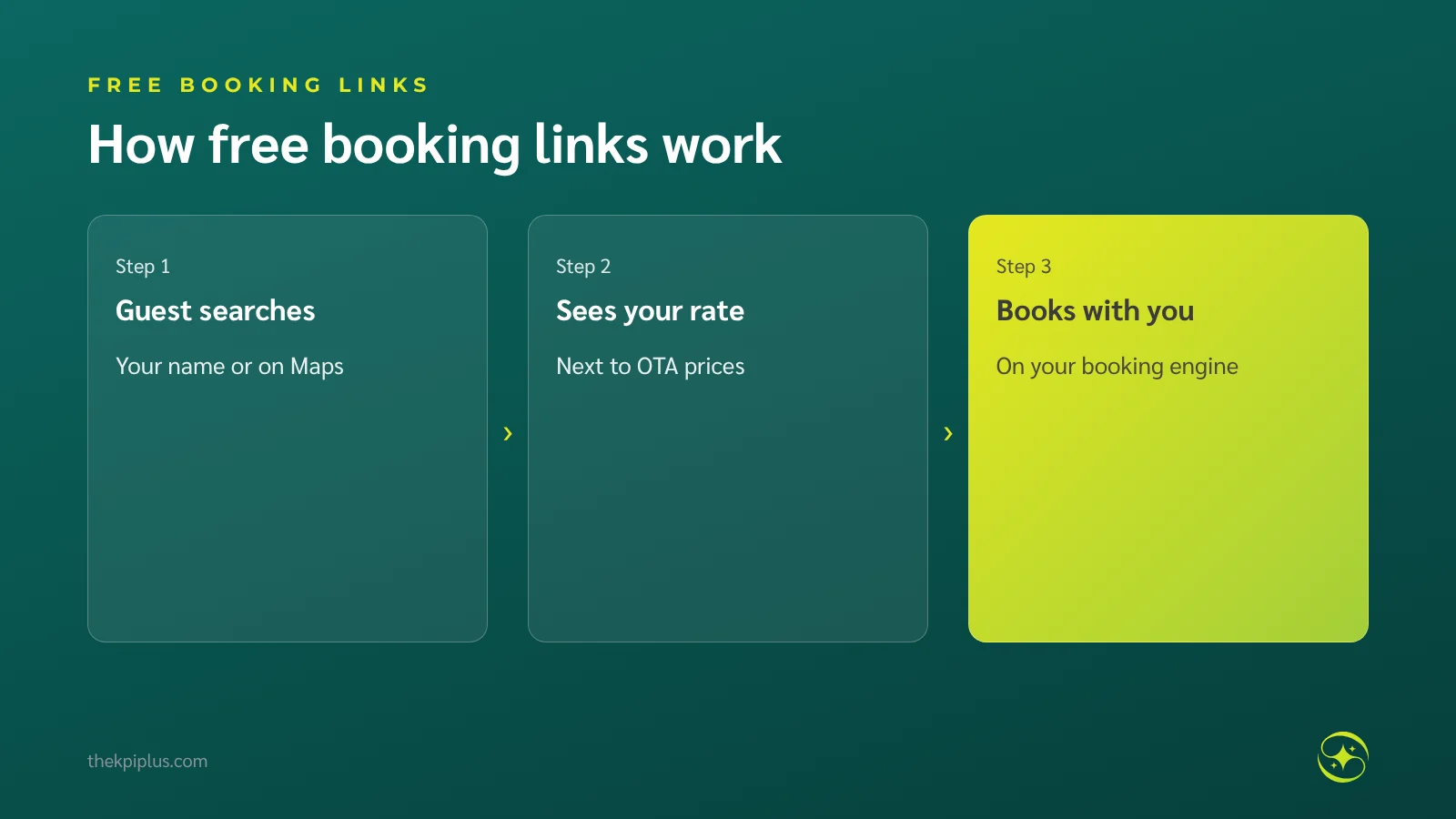
Do this: verify your Business Profile, check hotel details and amenities, and ask your booking engine or channel manager whether it connects to Google Hotel Center. The rates you send must match your website, or Google may not show your price.
4. Use Google Ads where it pays most
Ads suit two situations: protecting your brand searches and filling dates that need bookings. Send each ad to the page that matches the search, not always the homepage.
| Campaign | When to use | Landing page |
|---|---|---|
| Brand-name search | Year-round, if OTAs bid on your name | Homepage or direct-booking offer page |
| Location or trip-type search | Need periods | Matching room or location page |
| Google hotel campaigns (Hotel Ads) | Once rates are connected to Google | Booking engine directly |
Example: if OTA commission on a THB 7,500 booking is THB 1,350 (18%) and brand-search ads cost THB 400 per booking, the ads leave the hotel about THB 950 more per booking. Illustrative figures.
For a deeper look at choosing between the two, see our Thai article SEO vs SEM for hotels (in Thai).
5. Make SEO and ads support each other
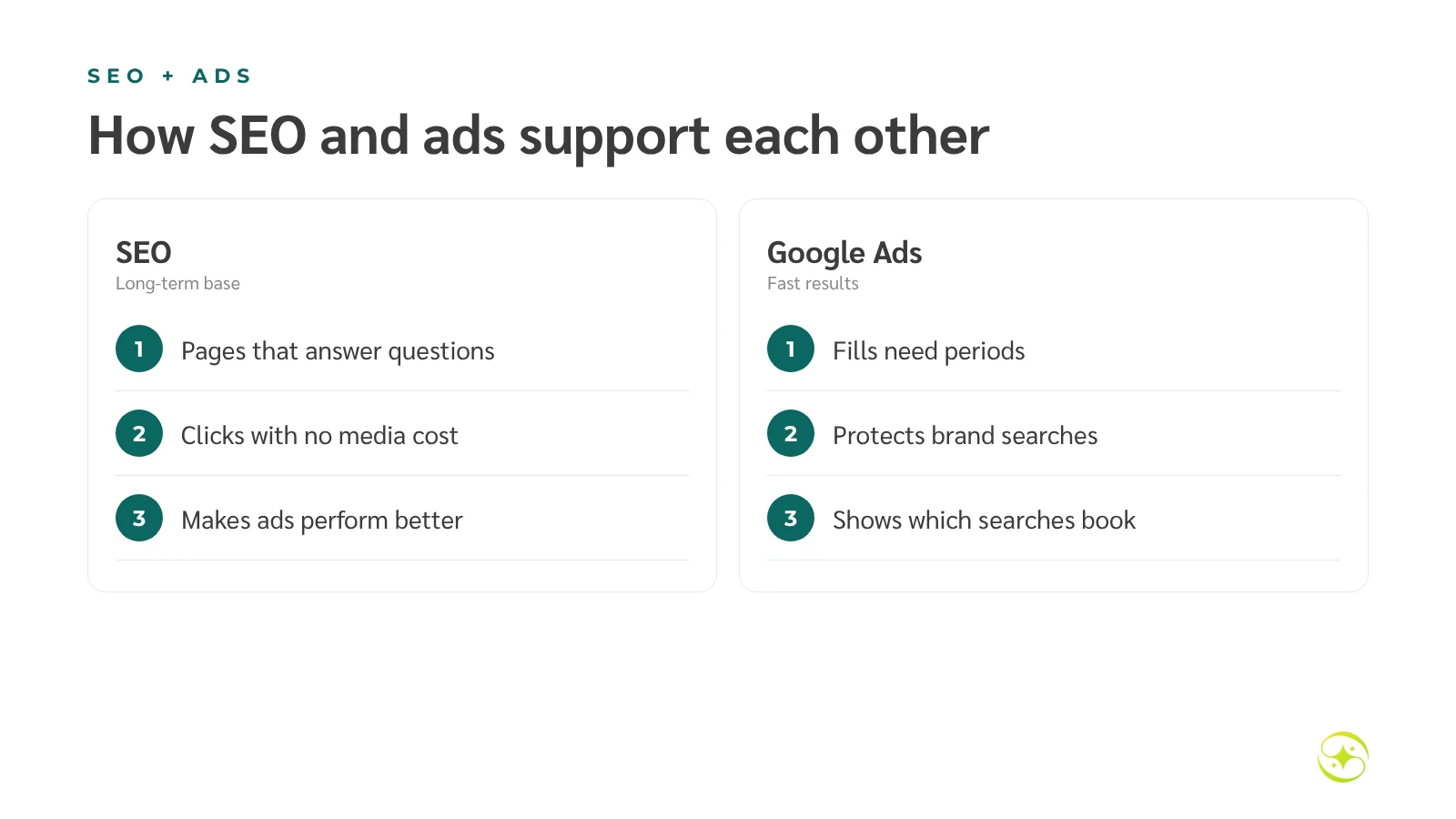
SEO builds a long-term base; ads deliver quick results when you need them. Ad data — which searches lead to bookings — tells you which pages to build for SEO, and better pages from SEO work make ads perform better.
6. Measure real bookings
The most common problem is that hotels can only measure clicks, because the booking engine sits on a different domain and bookings made there never reach Google Analytics or Google Ads.
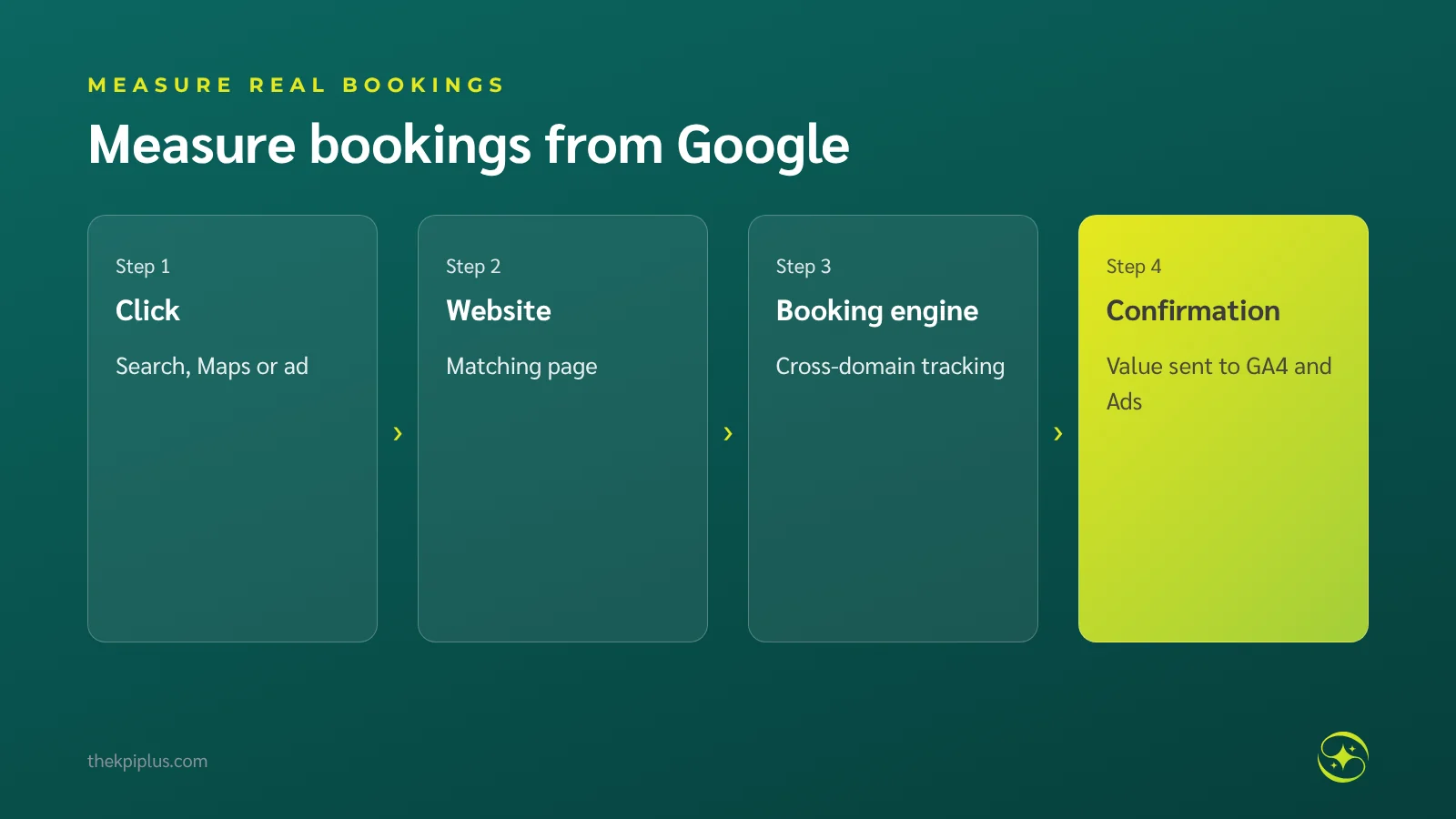
- Set up Google Analytics with cross-domain tracking between your website and booking engine
- Send the booking event with booking value back to Analytics and Google Ads
- Make one real test booking to check the data arrives
Numbers to watch: bookings and revenue from Google by route · ad cost per booking vs OTA commission · mobile booking conversion rate · overall direct booking share
A 60-day starter plan for independent hotels
Fix the booking engine and tracking first, then open the no-cost-per-click routes, then add ad budget step by step.
| Period | Work |
|---|---|
| Weeks 1–2 | Test booking on mobile; fix rates and engine; set up tracking |
| Weeks 3–4 | Update Business Profile; connect free booking links |
| Weeks 5–6 | Launch brand-name ads; improve room and location pages |
| Weeks 7–8 | Test location ads for need periods; first results review |
Planning example: a 30-room hotel with clicks but few bookings
Imagine a 30-room hotel spending THB 15,000 a month on Google Ads, getting 1,500 clicks but recording only three bookings. A check finds every ad points to the homepage, the booking engine is 5% more expensive than OTAs, and tracking doesn't count bookings made on the engine.
After matching rates, sending ads to matching room pages and setting up cross-domain tracking, the team targets a 1.5% booking rate — about 22 bookings a month from the same clicks. This is a planning example, not a result from any client.
Frequently asked questions
If we invest in SEO, should we stop Google Ads?
Not entirely. SEO takes months, while ads help immediately when you need bookings. Many hotels keep brand-name ads so OTAs can't take those clicks. Test by watching total bookings from Google when you raise or lower the budget, rather than clicks per channel.
How much should a hotel spend on Google Ads?
Start with enough to gather data — brand-name ads first, then location searches once tracking works. Set a target cost per booking or ROAS against OTA commission. If your cost per booking is lower than the commission an OTA would charge for the same booking, the spend is worth it.
What are Google free booking links and how do we get them?
Free booking links show your hotel's price and booking link in Google's hotel results and on Google Maps, with no cost per click. You need a verified Google Business Profile and a booking engine or channel manager that is a Google partner to send your rates. Those rates must match your website.
Why do our ads get lots of clicks but few bookings?
Common causes: ads send everyone to the homepage instead of a matching page, booking-engine prices are higher than OTAs, the engine is slow on mobile, or tracking misses bookings made on the engine's separate domain. Walk the path from ad click to booking confirmation on your own phone before adding budget.
How quickly can a hotel increase bookings from Google?
Booking-engine and Business Profile fixes can show results within weeks. Ads work from day one but need four to six weeks to become efficient. SEO takes three to six months or more. A good plan uses all three — but always starts by fixing the leaks.
Summary
To increase hotel bookings from Google, fix website and booking-engine leaks first, then combine SEO, Google Maps, free booking links and Google Ads, keep rates consistent everywhere, and measure bookings and revenue rather than clicks. With guests comparing several channels before booking, the hotels that make direct booking on Google easiest benefit most.
For Google advertising measured in bookings, see Google Ads management for hotels; to find where guests drop out before booking, see hotel direct bookings and our Patong direct booking case study. To start from your own data, request a Hotel Performance Audit.
Related reading: Hotel SEO and Local SEO for Hotels.